

step one
Find it
Search by mood, phrase, reaction, show, or meme. Trending is ready when you open.
GIFBarn 3.3 · Mac, iPhone, iPad & Messages
GIFBarn is a fast, native GIF library for your Apple devices. Search by mood, save the keepers, and copy, drag, or drop the real animated GIF right where the conversation is happening.
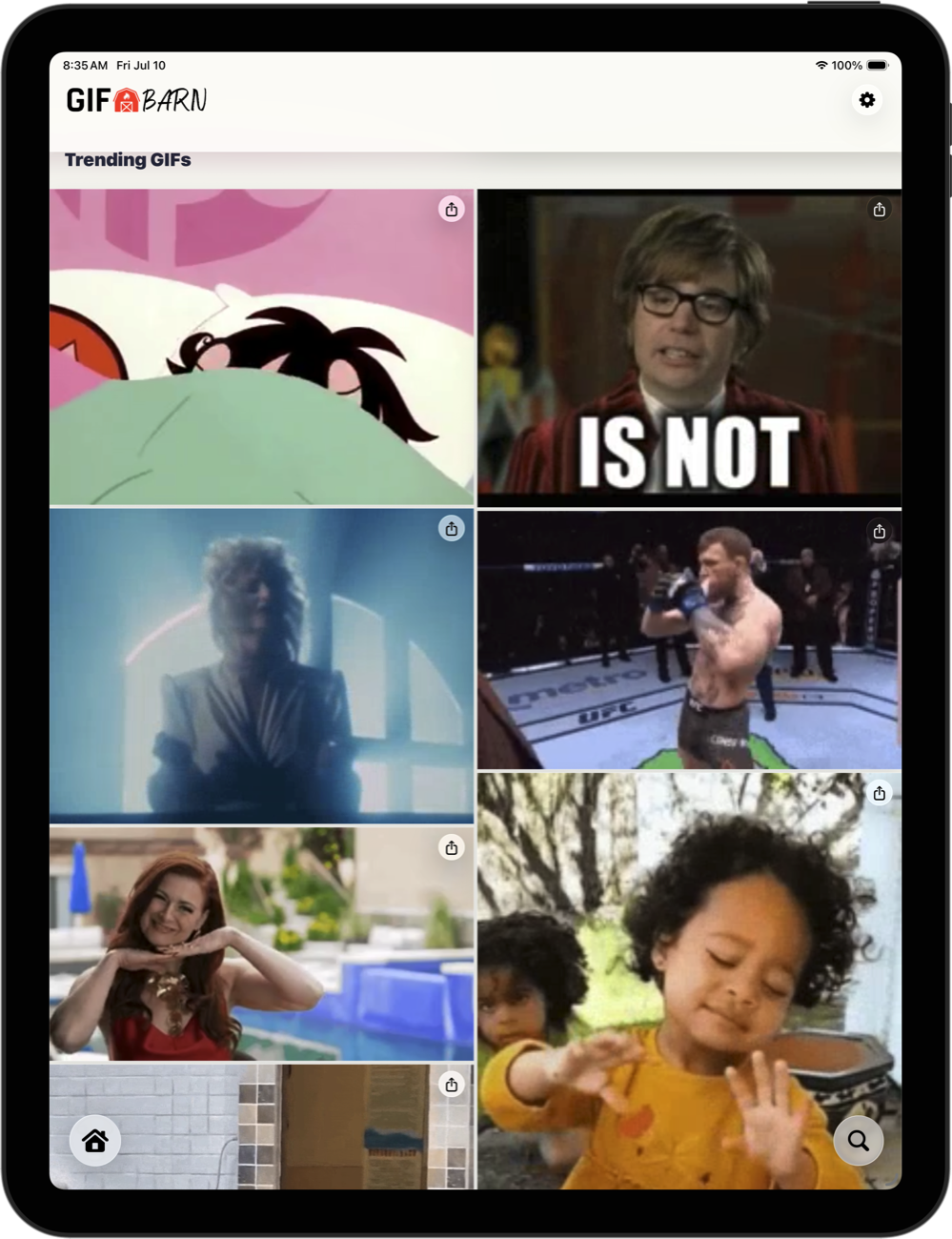
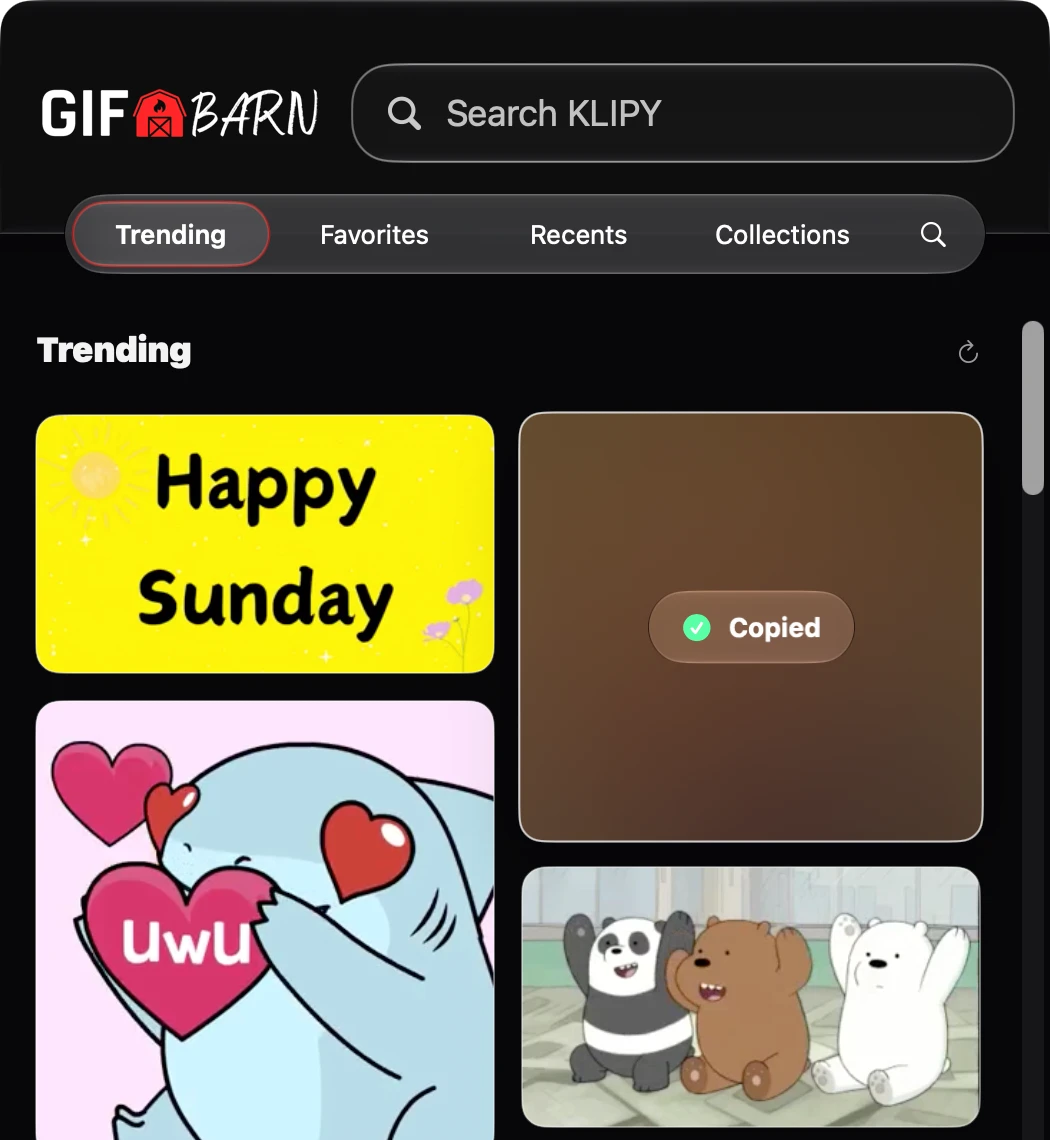
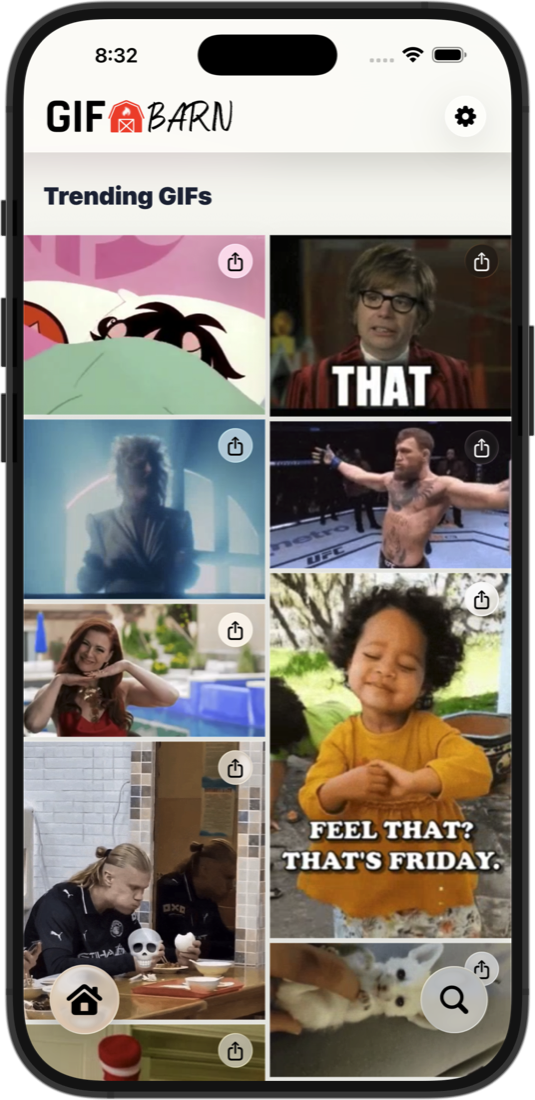
One barn. Four stalls.
A real native app on each device, not a web wrapper. Hover a stall to see who lives there.
Right from your menu bar. Copy with a click, or drag a GIF into any app.
Search, save, and share wherever the conversation goes. Widgets and controls included.
A roomier pasture for browsing and organizing your whole library.
Find and insert the perfect GIF without leaving the conversation.
Take it for a spin
Type how you feel and GIFBarn rounds up the reactions. Try a mood below, then click a GIF to grab it, just like in the app.
Real app. Real GIFs. Zero browser tabs.
Find it. Keep it. Send it.
step one
Search by mood, phrase, reaction, show, or meme. Trending is ready when you open.
step two
Favorite the keepers and jump back to Recents and Recent Searches anytime.
step three
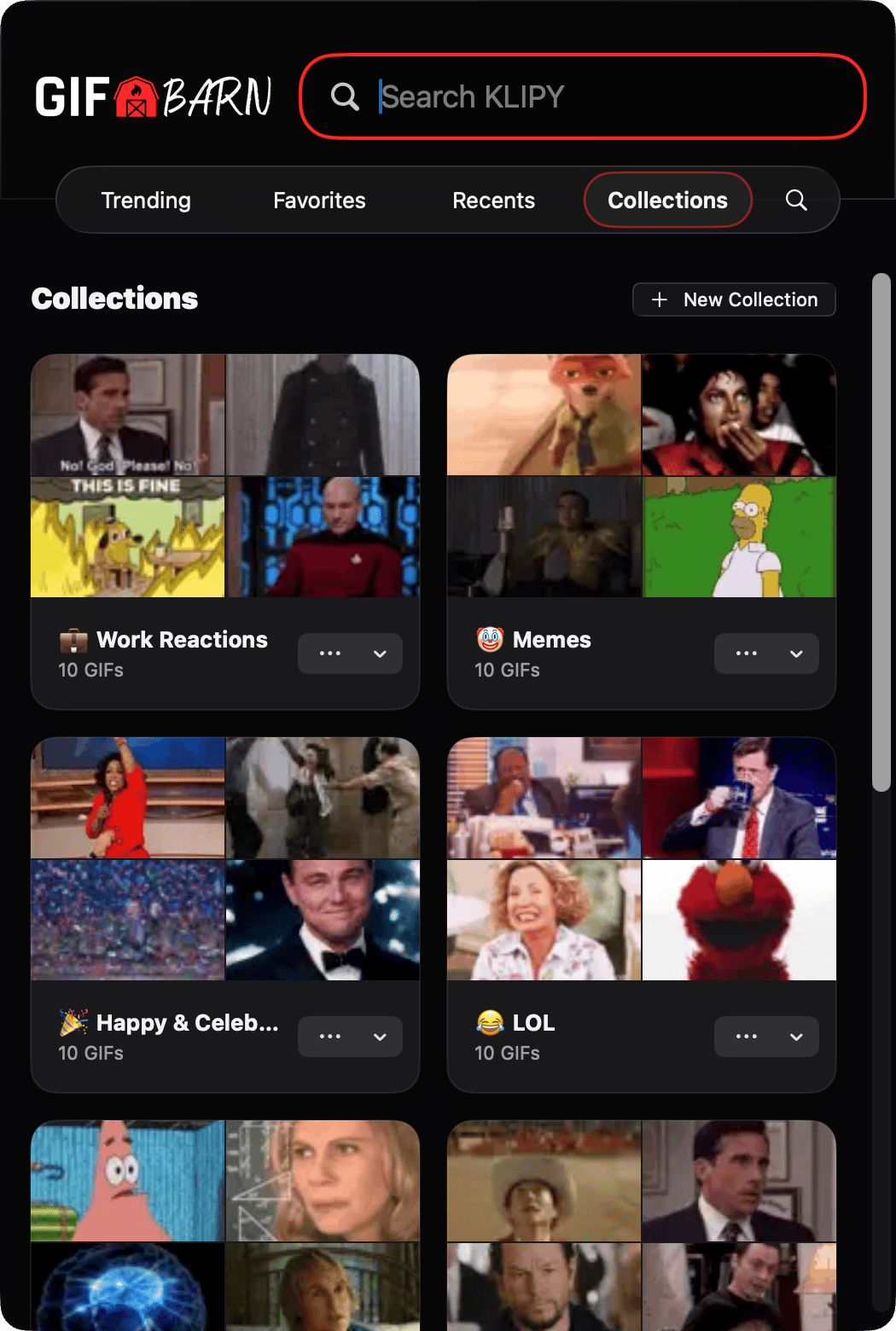
Build Collections for work, family, game day, and every mood in between.
step four
Copy, drag, share, save, or drop the real animated GIF right into Messages.
New in 3.3 · Widgets come home to roost
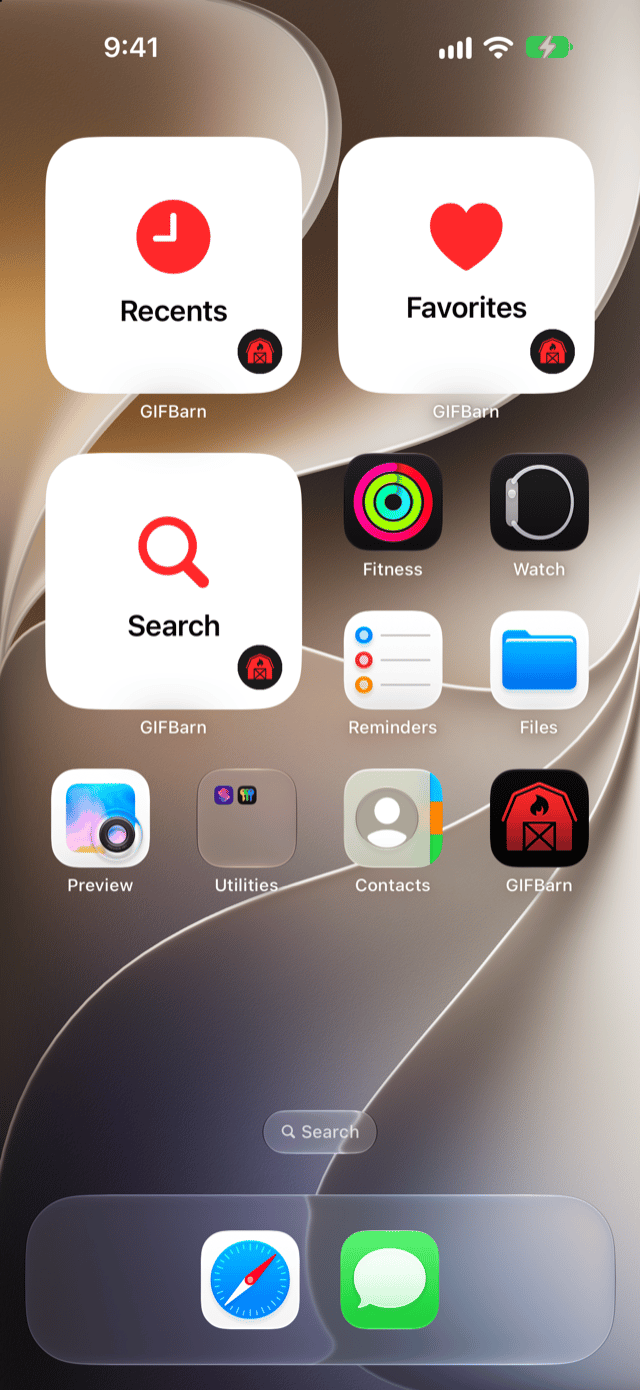
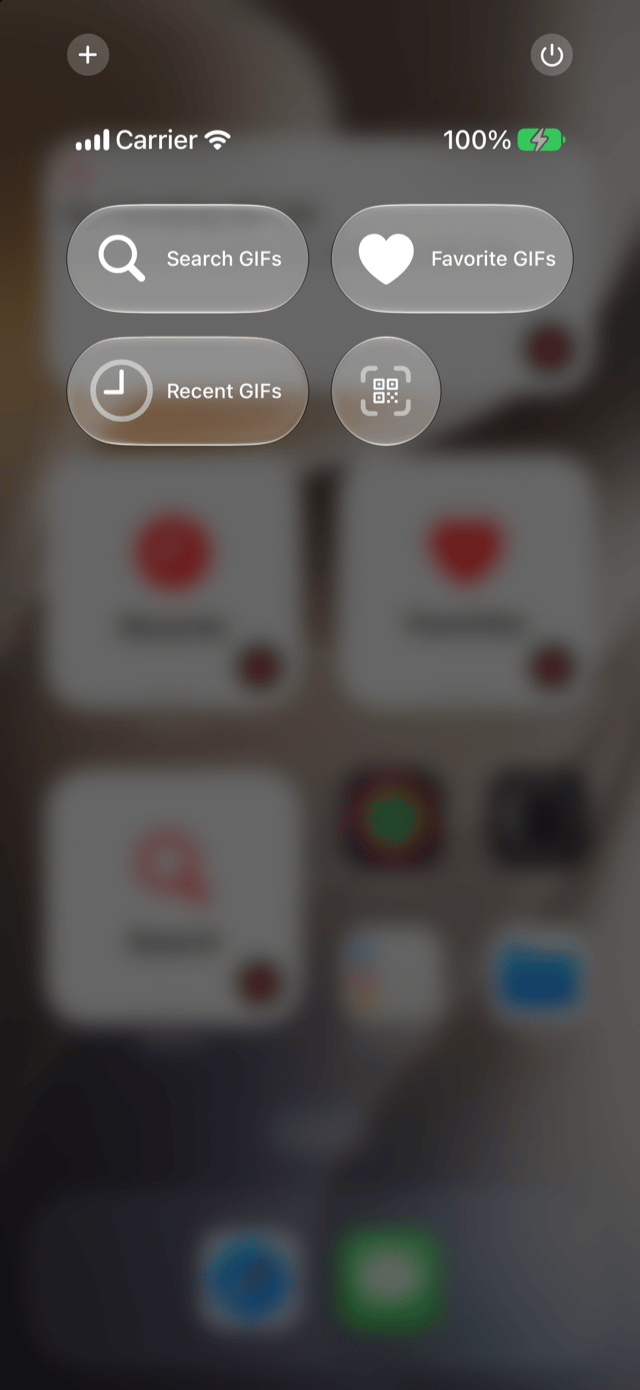
Home Screen, Lock Screen, Control Center, Shortcuts, Spotlight, and Siri. The perfect reaction is never more than a tap or a holler away.
Search, Favorites, and Recents widgets on iPhone, iPad, and Mac. Pro keeps a favorite GIF, a Collection, or Trending front and center.
Add Search, Favorite, and Recent GIFs controls to Control Center or the Lock Screen, or the Action button on supported iPhones.
Open Search, Favorites, or Recents with Shortcuts. Pro adds Spotlight and “Copy this GIF” with Siri on iOS and iPadOS 27.
Redesigned GIF Details put a big animated preview up top, with Copy GIF and every other action close at hand.
Find it fast on Mac
Pop GIFBarn open from the menu bar with a global shortcut, type a mood, arrow to the one, and press Return. It’s copied. Now paste it and keep talking.
Collections have left the stable
Stop hunting for the same GIFs again and again. Give every group chat, mood, and occasion its own stall, so the right reaction is always easy to find.
Start with one Collection. Upgrade to GIFBarn Pro to unlock 11 ready-made Collections, plus unlimited Collections of your own.

GIFBarn in Messages · Pro
Browse Trending, Favorites, Recents, and Collections, or search for something new, right inside Messages. Tap a GIF to drop the real animated file into the message field, add your own text, and send when the moment is right.
Included with GIFBarn Pro. GIFBarn works as a Messages extension, not a third-party keyboard.
Explore GIFBarn in MessagesPrivate iCloud Sync · Pro
Keep Favorites and Collections in sync across Mac, iPhone, and iPad through your private iCloud account. Recents and Recent Searches stay on the device where you used them.
First prize at the county fair
GIFBarn Pro throws open the barn doors: 11 ready-made Collections, unlimited Collections of your own, private iCloud Sync, GIFBarn right inside Messages, and your favorite GIFs on your Home Screen.
One-time purchase. No subscription. Search, Trending, Favorites, Recents, Recent Searches, sharing, saving, and one Collection are included for everyone.
Private by design
No account. No advertising trackers. No third-party keyboard. GIFBarn keeps your searches and conversations private, so you can find the right reaction and keep moving.
Private iCloud Sync is optional. Favorites and Collections can sync through your private iCloud account, while Recents and Recent Searches stay on each device.
Read the Privacy Policy
Download GIFBarn for Mac, iPhone, and iPad. Find, save, organize, and send the right GIF wherever the conversation goes.
 Available on Mac, iPhone, and iPad. GIFBarn in Messages is included with GIFBarn Pro. Requires iOS and iPadOS 18 or later, or macOS 14 or later.